How to troubleshoot software issues on your smartphone
Discover effective ways to troubleshoot software issues on your smartphone with practical tips tailored for Kuala Lumpur residents.
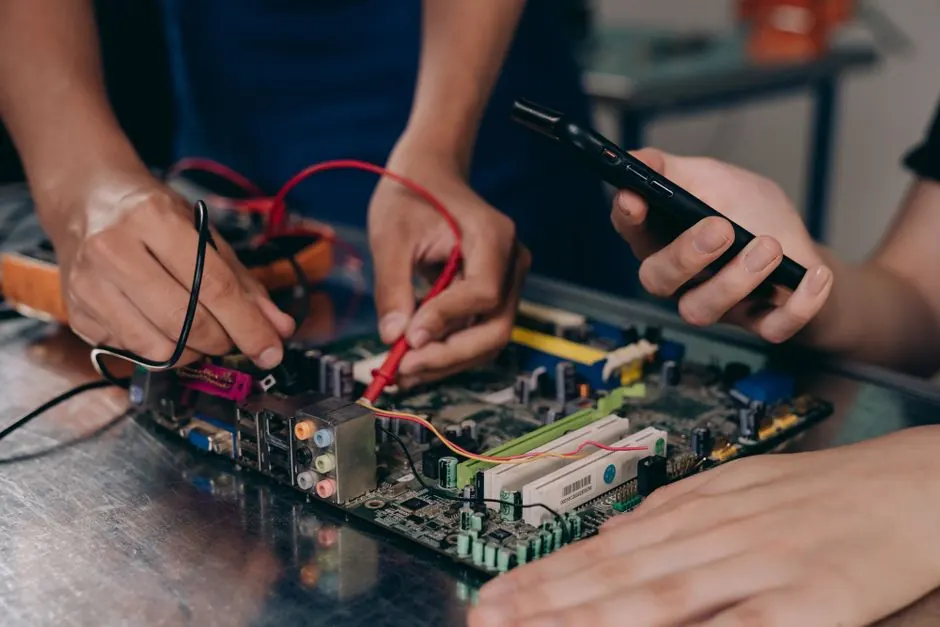
Software issues on smartphones can often be resolved with a few simple troubleshooting steps. Knowing how to troubleshoot software issues on your smartphone can save you time and money, especially in Kuala Lumpur where repair services can be costly.
How to troubleshoot software issues on your smartphone is a process that involves identifying and fixing problems that affect your phone's performance. This guide will cover common issues, troubleshooting steps, and when to seek professional help.
What are software issues?
Software issues refer to problems that occur within the operating system or applications of a smartphone. These can manifest as slow performance, applications crashing, or the device failing to respond to commands.
How can I troubleshoot software problems on my phone?
To troubleshoot software problems on your phone, start by restarting the device. This simple action can resolve many minor software glitches. If the issue persists, consider the following steps:
- Check for updates: Ensure your operating system and apps are updated to the latest versions.
- Clear app cache: Go to your phone settings and clear the cache for problematic apps.
- Uninstall and reinstall apps: If a specific app is causing problems, uninstall it and then reinstall it.
- Reset settings: Reset your phone settings to default without erasing your data.
Common software issues with smartphones
Some of the most common software issues include:
- Apps crashing or freezing
- Slow performance or lagging
- Bluetooth or Wi-Fi connectivity problems
- Battery draining quickly
- Device not responding to touch
Residents in Bangsar often report issues with battery performance, which can often be linked to software settings rather than hardware failures.
What should I do if my smartphone software is not working properly?
If your smartphone software is not working properly, first try the basic troubleshooting steps mentioned earlier. If these do not resolve the issue, consider performing a factory reset. This will erase all data and restore the device to its original settings, so make sure to back up important information first.
In Kuala Lumpur, many users find that seeking Software Troubleshooting in Kuala Lumpur can provide targeted solutions for persistent issues.
Common mistakes to avoid
While troubleshooting, avoid these common mistakes:
- Skipping software updates, which can lead to unresolved bugs.
- Ignoring app permissions, which may cause functionality issues.
- Not backing up data before performing resets or updates.
When to call a professional
If troubleshooting does not resolve your smartphone's software issues, it may be time to consult a professional. At KL Phone Repair Experts, we offer comprehensive software troubleshooting services that can diagnose and fix deeper issues affecting your device.
Frequently Asked Questions
What are common software issues with smartphones? Common software issues include app crashes, slow performance, connectivity problems, and unresponsive screens.
How can I troubleshoot software problems on my phone? Start by restarting your phone, checking for updates, clearing app cache, and resetting settings if necessary.
What should I do if my smartphone software is not working properly? Try basic troubleshooting steps, and if issues persist, consider a factory reset after backing up your data.
By following these guidelines, you can effectively troubleshoot software issues on your smartphone. If you need further assistance, don't hesitate to reach out to a local expert.